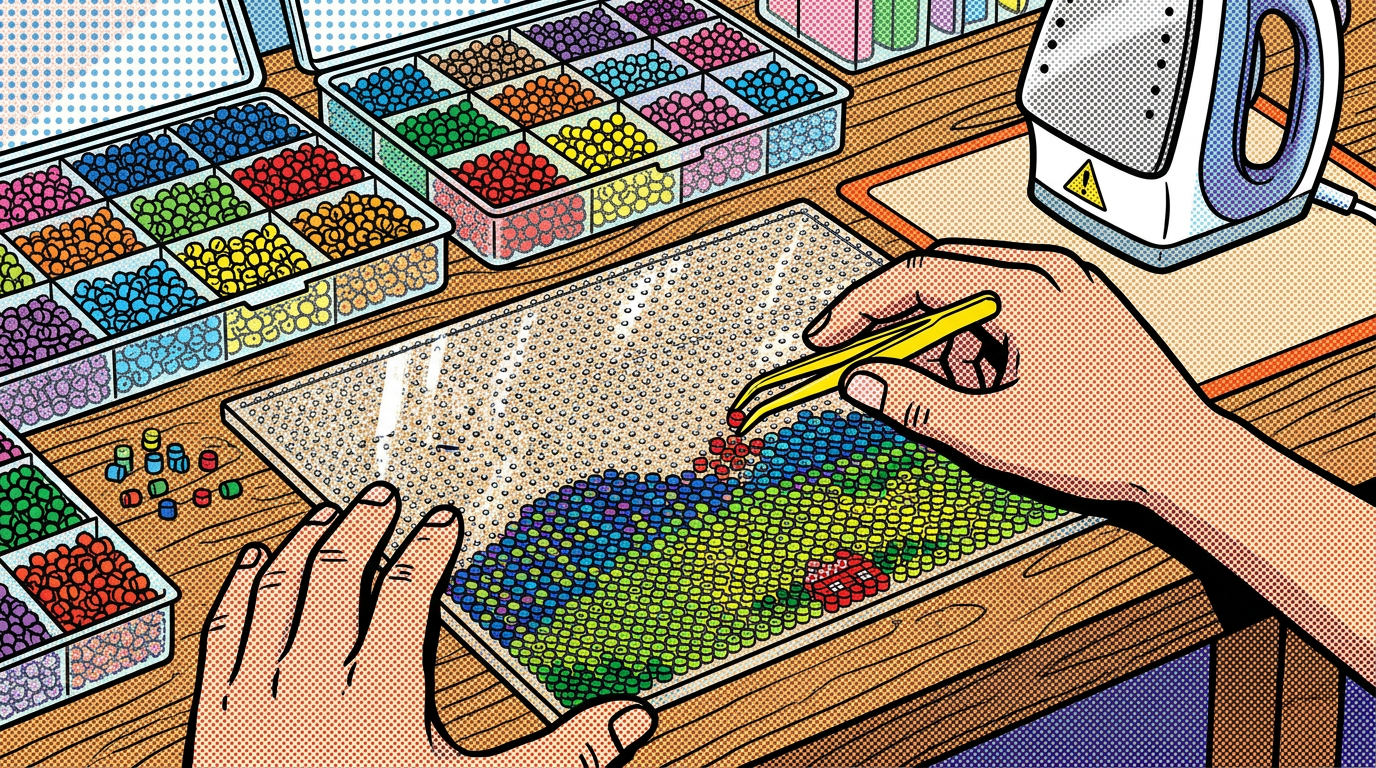
Look at these works — all from a single photo.
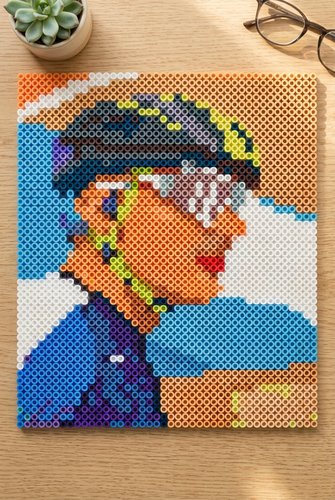
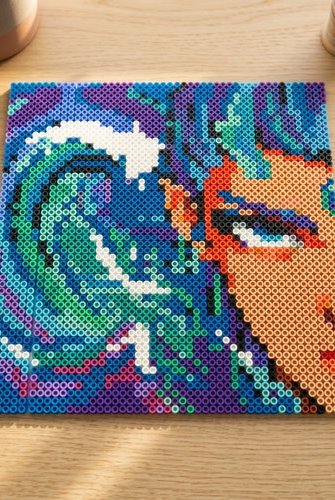
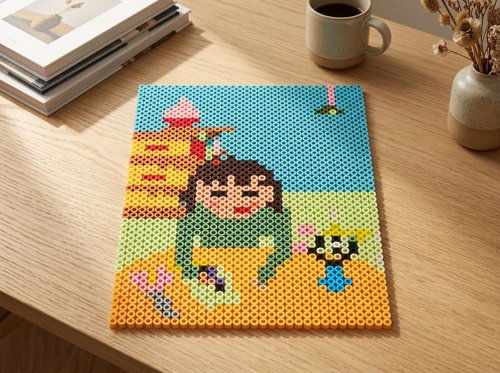
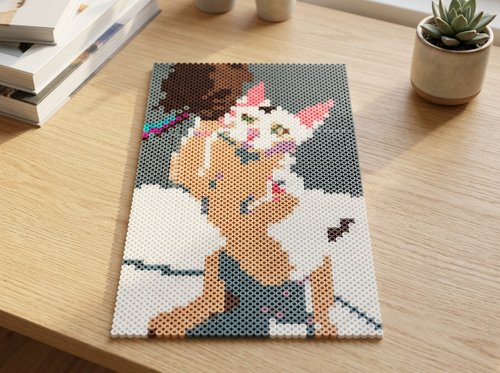
30 seconds. Turn your photo into a bead pattern.
How It Works? → 5 STEPS
Upload Your Image
Got a picture? Let's go.
- Pick a File 📁 — Upload PNG, JPG, or WebP. Photos, drawings, pets — anything works.
- Too Complex? 🤔 — Use AI to simplify it first. See our AI Image Guide.
Quick Setup
Defaults are ready. Just upload and generate.
- Bead Brand 🔩 — Perler by default. Switch to Artkal or Hama if you use a different brand.
- Size 📏 — Drag the slider. Small = quick, Medium = recommended, Large = more detail.
- Remove Background ✂️ — Default OFF. Turn it ON to leave transparent or white areas empty.
You don't need to change anything. Just upload and click Generate. For best results, use an AI-prepped flat-color image — see our AI Image Guide.
Generate
One click. Done in seconds.
- Click Generate 🚀 — Hit the red button. That's it.
- 100% Private 🔒 — Everything runs in your browser. Your image never leaves your device.
Check & Tweak
See it. Fix it. Done.
- Zoom In 🖱️ — Mouse over the pattern. A magnifier pops up (4× zoom) so you can see every bead.
- Find a Color 🔍 — Click a color in the Bead List. All beads of that color flash. Click again or click empty area to stop.
- Change a Bead 🔄 — Click any bead on the canvas. Pick a new color from your Bead List. Only that bead changes.
- Change Many at Once ✋ — Long-press a bead to enter multi-select. Tap more beads to select them, then click a color in the Bead List to replace all selected beads. Press Esc or click empty area to exit.
- Oops? ↶ — Undo button at the top-right of the Bead List. Up to 20 steps back.
Export
Save it. Print it. Start crafting.
- Printable Pattern 🖨️ — Download a PNG with the chart, color codes, and bead list. Print and start placing beads.
- Shopping List 📋 — Download a CSV with every color code, name, and count. Take it shopping.
🔒 Your Privacy
Your images are processed locally in your browser. They are never uploaded to our servers or shared with third parties.
📦 Brand Notice
Perler, Hama, and Artkal are trademarks of their respective owners. Daddy Beads Studio is not affiliated with, sponsored by, or endorsed by these brands.
✉️ Contact
Questions, ideas, or feedback?
hello@daddybeadsstudio.com
© 2026 Daddy Beads Studio · Made with love, from Dad.
Made with love, for every little bead artist.